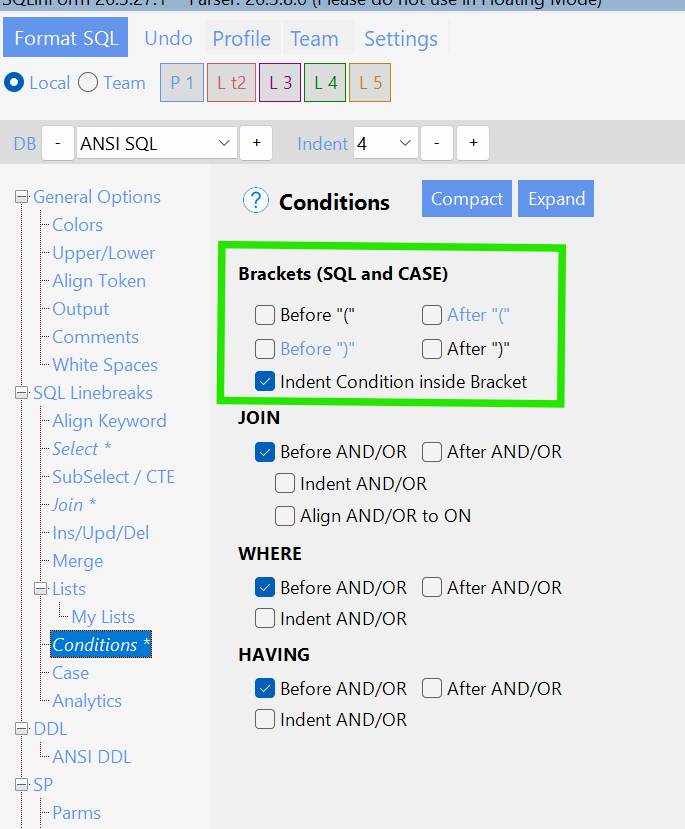
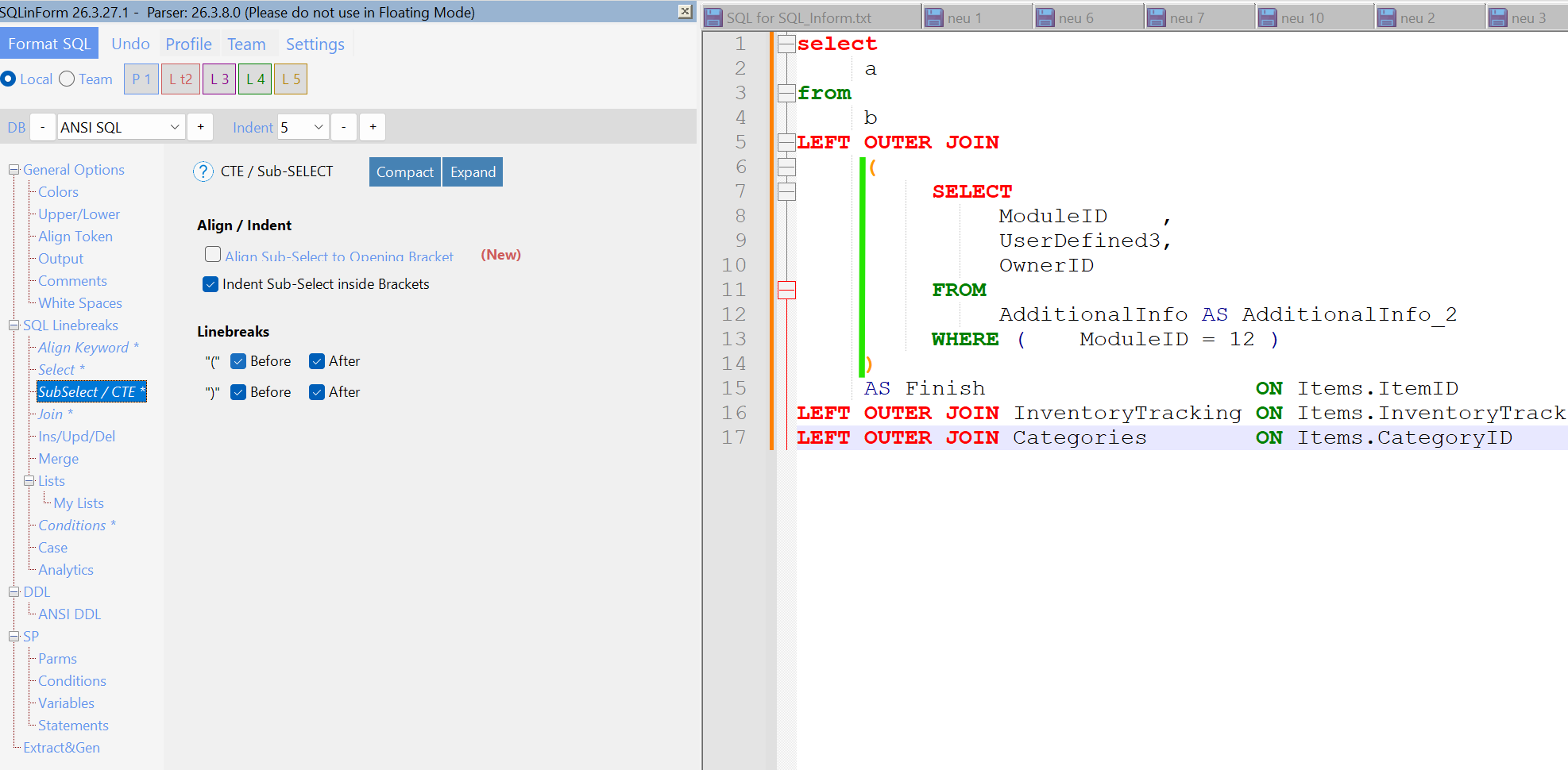
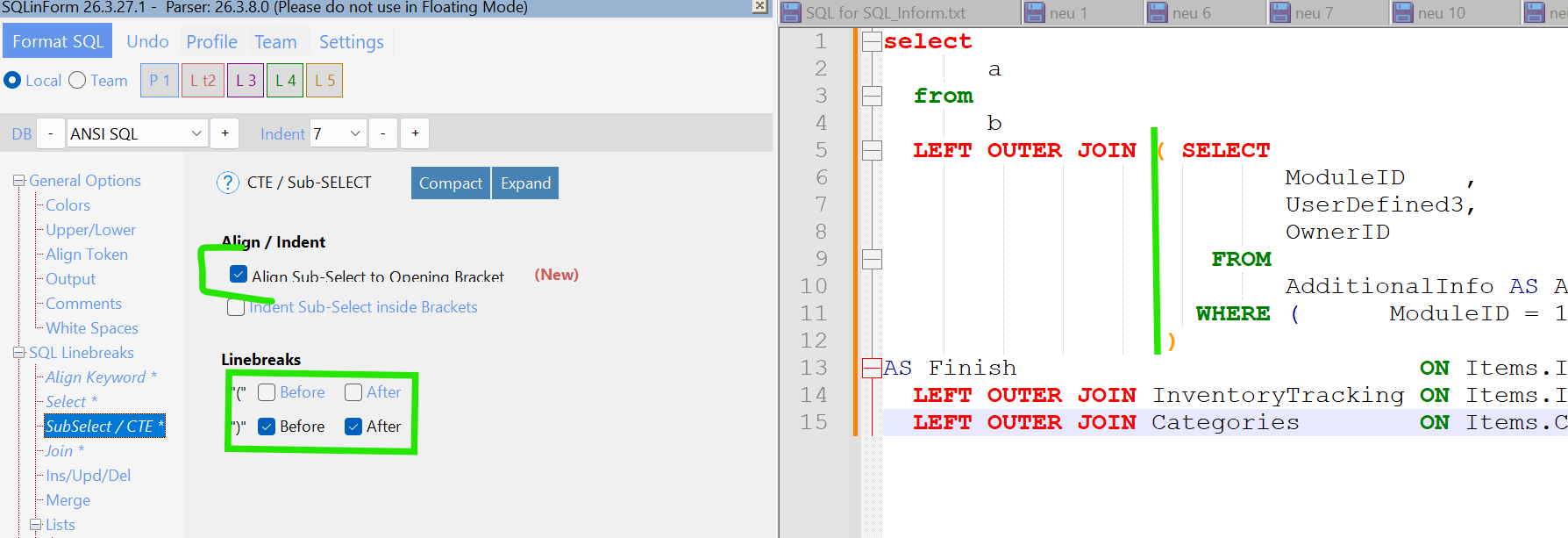
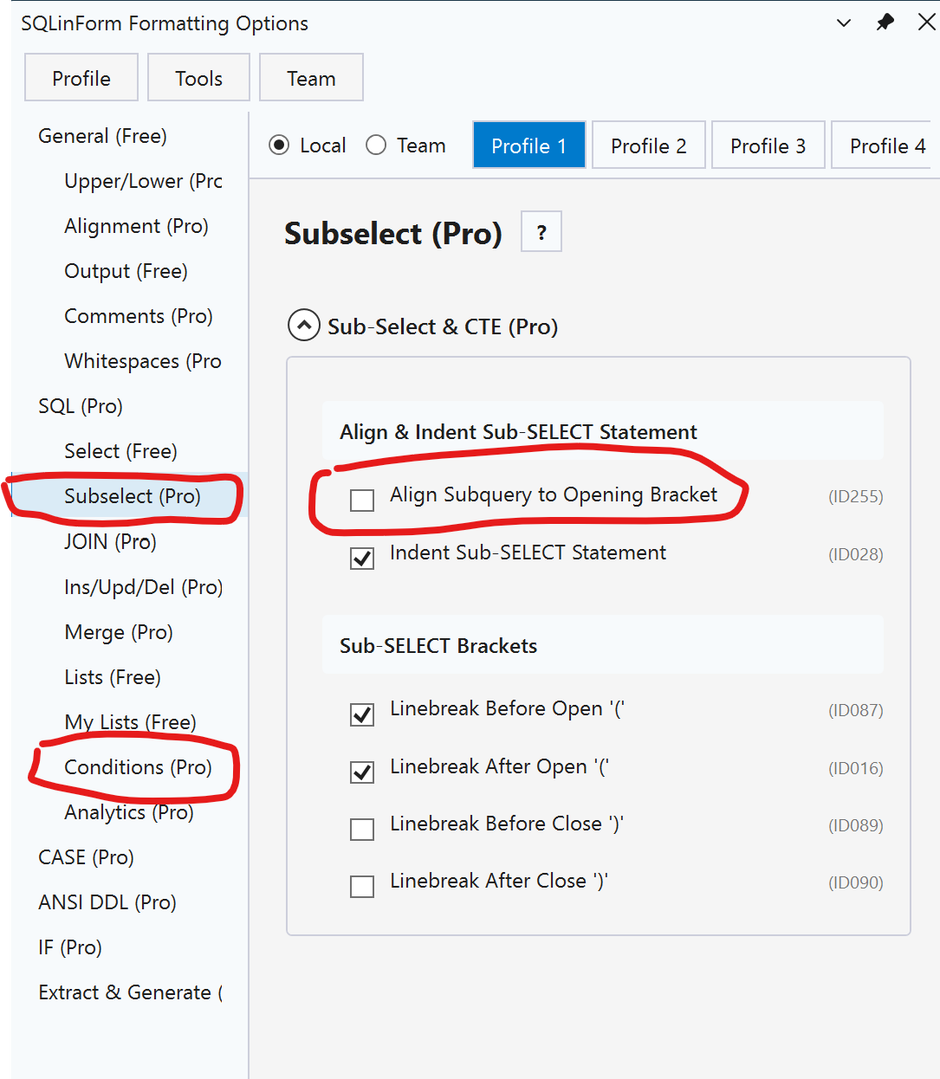
You can see from my sample below, I do not want a new line after "WHERE(" and I do not want "ON" to align. I also noticed the SELECT fields do not align in the sub select. Is this configurable??
LEFT OUTER JOIN ( SELECT ModuleID,
              UserDefined3,
              OwnerID
         FROM AdditionalInfo AS AdditionalInfo_2
        WHERE(
                 ModuleID = 12) ) AS Finish ON Items.ItemID = Finish.OwnerID
LEFT OUTER JOIN InventoryTracking           ON Items.InventoryTrackingID = InventoryTracking.InventoryTrackingID
LEFT OUTER JOIN Categories                  ON Items.CategoryID = Categories.CategoryID
It should look like this:
LEFT OUTER JOIN (SELECT ModuleID,
                        UserDefined3,
                        OwnerID
                 FROM AdditionalInfo AS AdditionalInfo_2
                 WHERE(ModuleID = 12)
                 ) AS Finish ON Items.ItemID = Finish.OwnerID
LEFT OUTER JOIN InventoryTracking ON Items.InventoryTrackingID = InventoryTracking.InventoryTrackingID
LEFT OUTER JOIN Categories ON Items.CategoryID = Categories.CategoryID