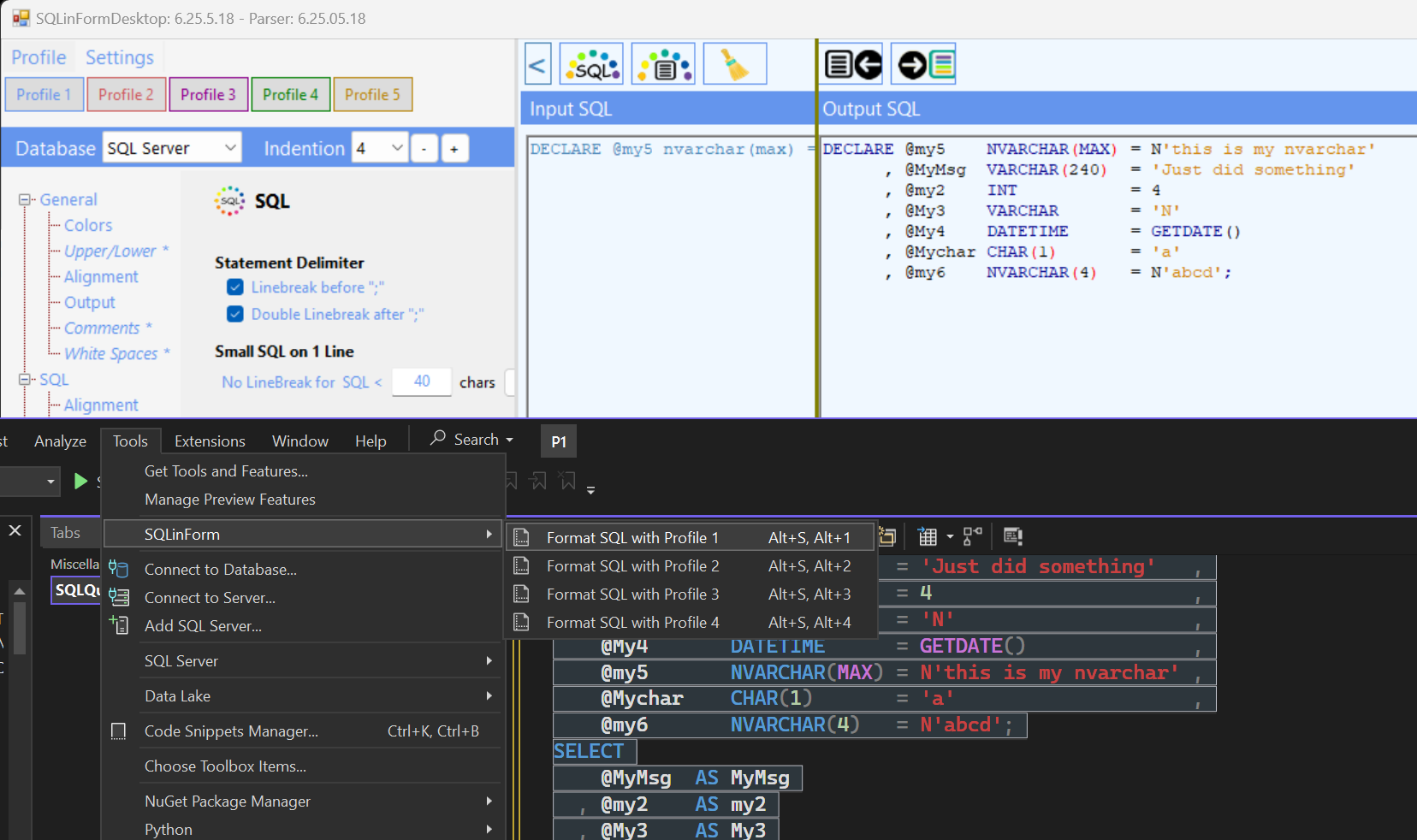
I have a Pro license. I am running VS Code and Visual Studio 2022.
In VS Code, I am using the 'Desktop App Location' setting to manage all my preferences. I make a change in the Desktop App and it is immediately available in VS Code. This tells me that I know where the 'Desktop App Location' is on my computer. Curious note, it has a trailing slash e.g. C:\Users\tangomike\ONEDRI~1\Documents\
Now I am trying to do this in Visual Studio 2022. I have the extension installed. I've gone to Tools, Options, SQLinForm, General and put in the same file location that I use in VS Code. It doesn't work. I edit it and remove the trailing slash so it looks like the picture on Download Visual Studio 2022 Plugin
Still doesn't work. I am using the standard 'Profile 1' and haven't renamed it in the Desktop app.
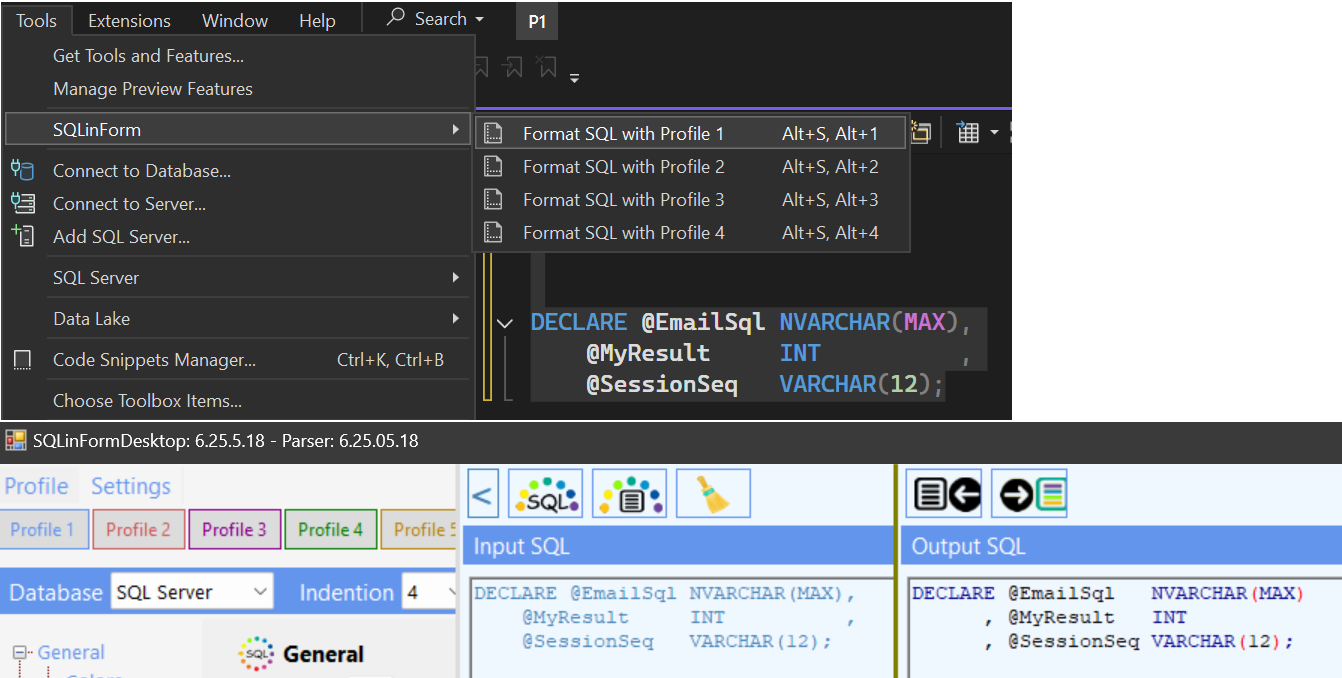
Any thoughts?