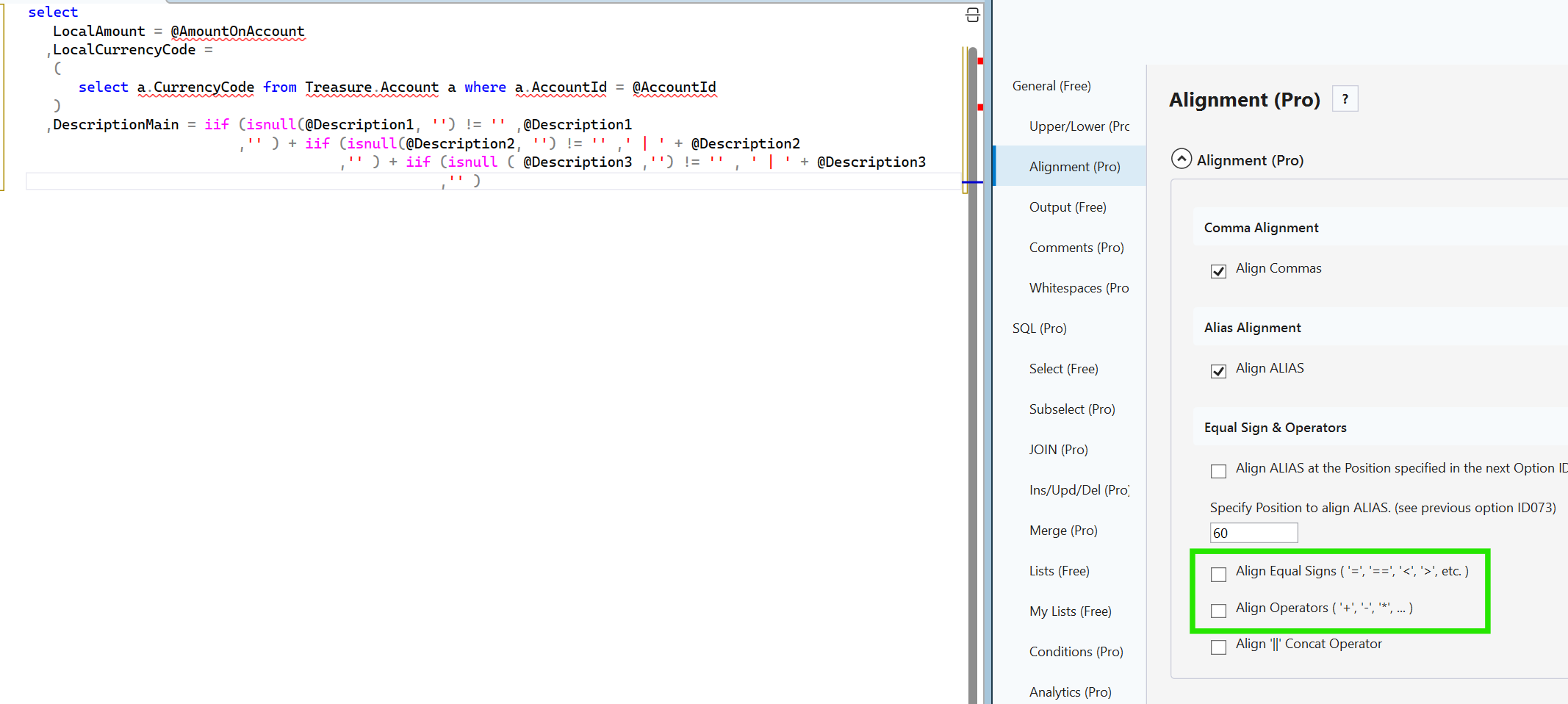
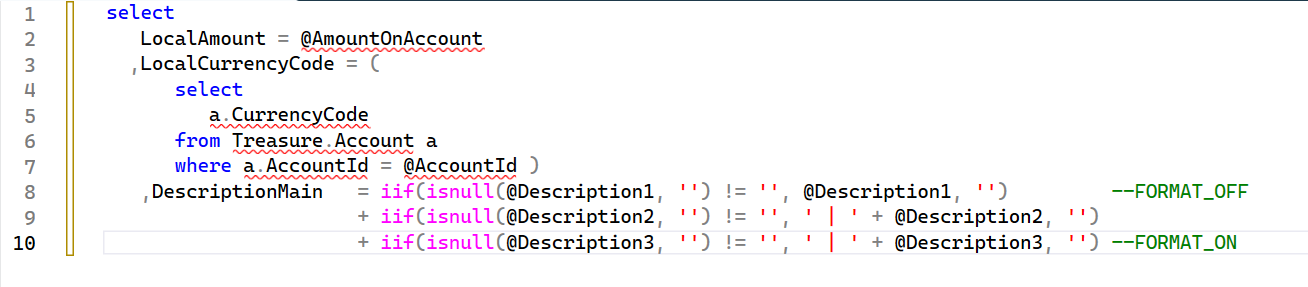
Hi Guido, thank you for working on this. I check it out. I think working out when to align operators, such as the plus sign (+), is a tough logic problem. In my opinion, the way is to 1) use the equal sign as an assignment operator only to align; the equal sign as a comparator to never align. 2) Keep the function with its rounded brackets together. 3) Leave the developer manually format to represent the logic. I think it's better to leave the developer to define the structure of the logic rather than guessing his/her way of thinking and force it into some general structure 😉
I think one good option is what you already have, FORMAT_ON/OFF. I'd also suggest a COLFORMAT_OFF in this case, one line for the select clause whihc is quite important in SQL. Please see my sample below.
SELECT
    LocalAmount       = @AmountOnAccount

    --Still strange formatting; difficult to understand the logic
   ,DescriptionMain = IIF(ISNULL(@Description1, '')                      != '', @Description1
                         ,'')           + IIF(ISNULL(@Description2, '')  != '',' | '  + @Description2
                                   ,'') + IIF(ISNULL (@Description3 ,'') != '', ' | ' + @Description3
                                             ,'')
    --FORMAT_OFF
   ,DescriptionMainFormanOff    =   IIF(ISNULL(@Description1, '') != '', @Description1, '')
                                  + IIF(ISNULL(@Description2, '') != '',' | ' + @Description2 , '')
                                  + IIF(ISNULL(@Description3 ,'') != '',' | ' + @Description3 ,'')
    --FORMAT_ON


/*
--Suggested behaviour: when row is followed by a comment do not format this column calculation
   ,DescriptionMainRowComment   =   IIF(ISNULL(@Description1, '') != '', @Description1, '')          --COLFORMAT_OFF
                                  + IIF(ISNULL(@Description2, '') != '',' | ' + @Description2 , '')
                                  + IIF(ISNULL(@Description3 ,'') != '',' | ' + @Description3 ,'')
*/